 Cedmenu
What to include in your menu board quote
Prepare the screen, design and operating details that make a custom quote easier to compare.
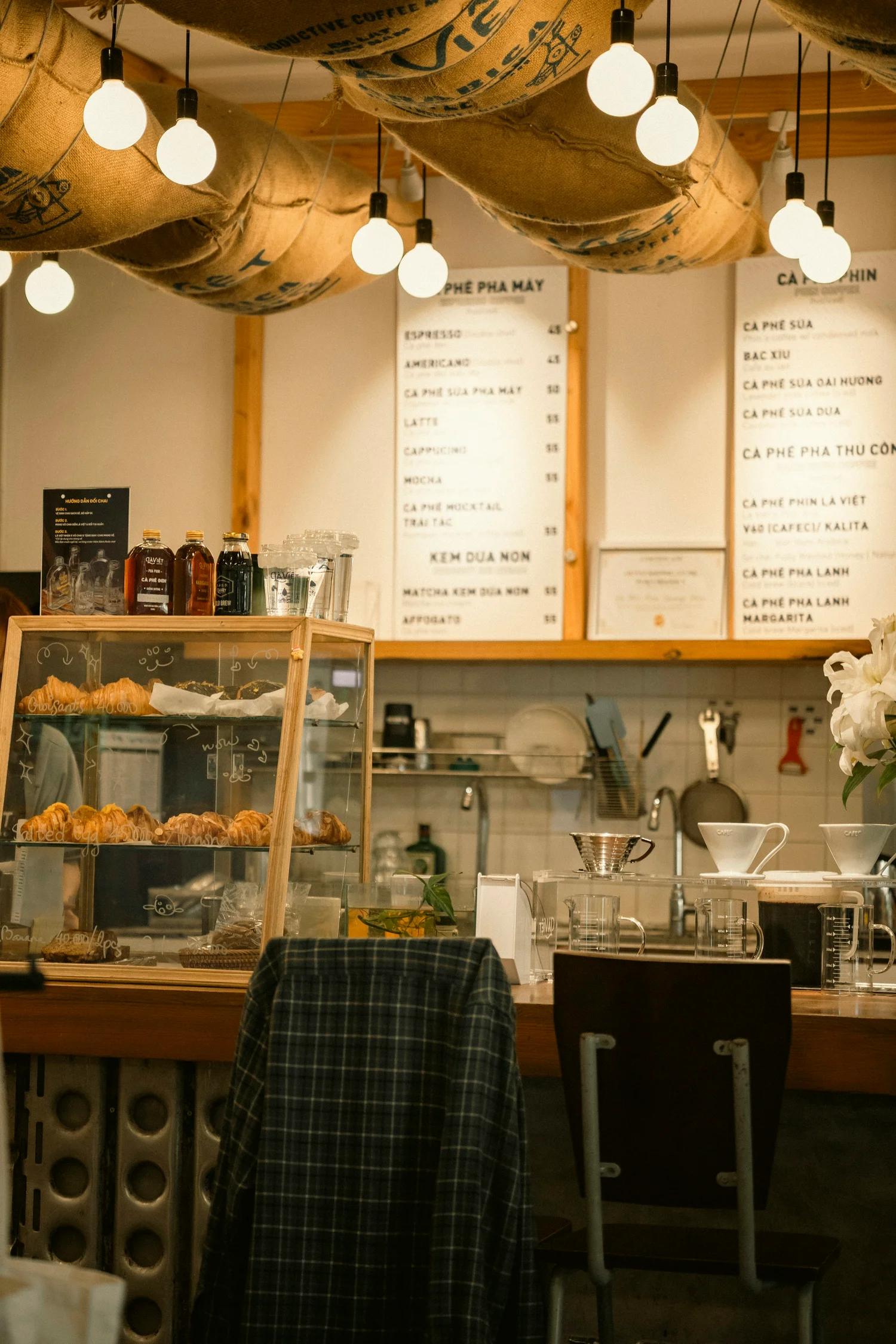
A useful quote starts with the space you have. The café shown uses printed menus.
A useful quote explains what you will receive, what your restaurant needs ready and what continues after launch. Start with your current menu and screen details. You can fill the gaps during the first conversation.
Bring the details you already have
Share item names, categories, prices, sizes and combo contents, plus the offers you want customers to notice. Add your logo, colours and usable food photos. Note which menus differ by location or service period.
Include screen count, sizes, model numbers and orientation. Photos of the counter and TV connections help scope the player boxes. Give your location and target opening, renovation or launch date, the POS you use, and who will request and approve future changes.
Separate the seven parts of the cost
Screens and locations set the scale. Player boxes and connections depend on the exact TV models, available inputs and network. Confirm compatibility, cables, adapters and what the restaurant needs ready before buying equipment.
Custom design covers the agreed layouts, categories, sizes, languages, food-image preparation and promotional versions. Confirm revision rounds and how extra layouts or later redesigns are quoted.
Player-box installation and setup covers the agreed connections, software configuration, menus and playback checks. CedMenu helps install and set up the boxes. Suitable TVs, power and network access must be ready; TV mounting and building wiring are arranged separately.
Software and recurring service need a clear billing period, screen or location coverage, minimum term and included editing and scheduling features. Integrations need their own compatibility and configuration scope. CedMenu currently supports automatic Square price sync; other POS integrations are in progress. Confirm account and location mapping, price fields and manual overrides.
Support and future content are the final part. Separate technical support from human design and menu-update work. Ask about training, support channels and hours, and additional request charges. Separate one-time costs from recurring charges; exact pricing depends on the agreed setup.
Compare the finished work and handover
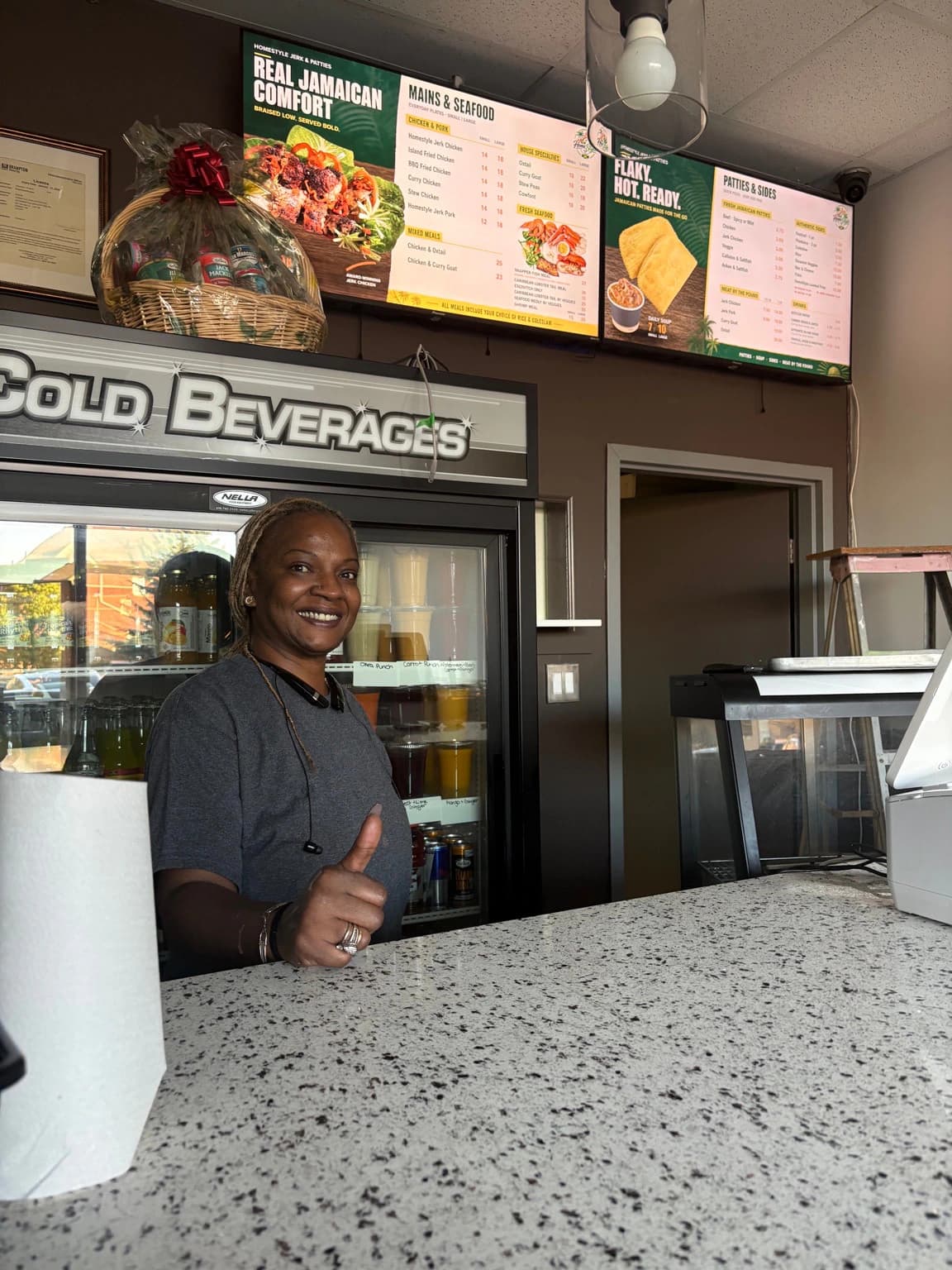
Compare deliverables as well as totals. Confirm the supplied boards and promotional versions, revisions, final approver, player boxes and launch checks. Ask who trains staff, which permissions apply and who checks scheduled transitions.
Clarify support after launch, billing, renewal and cancellation terms, access to or ownership of finished artwork, and extra charges. Read the design-brief guide and reviewed voice-update workflow to make those responsibilities specific.
Keep the first request simple
Start the quote form with your name, restaurant and phone number. Screen models and POS details can follow in conversation. If you have a brief, group it by location and timing, screens, menu and brand assets, schedules, update responsibilities and setup or support questions.
Send only what is needed to scope the project. Leave out account passwords, payment-card details and customer records.
Ask for a tailored scope covering design, software, player boxes and box setup, plus any agreed support. Compare the inclusions and recurring commitments before deciding. Get a custom quote →